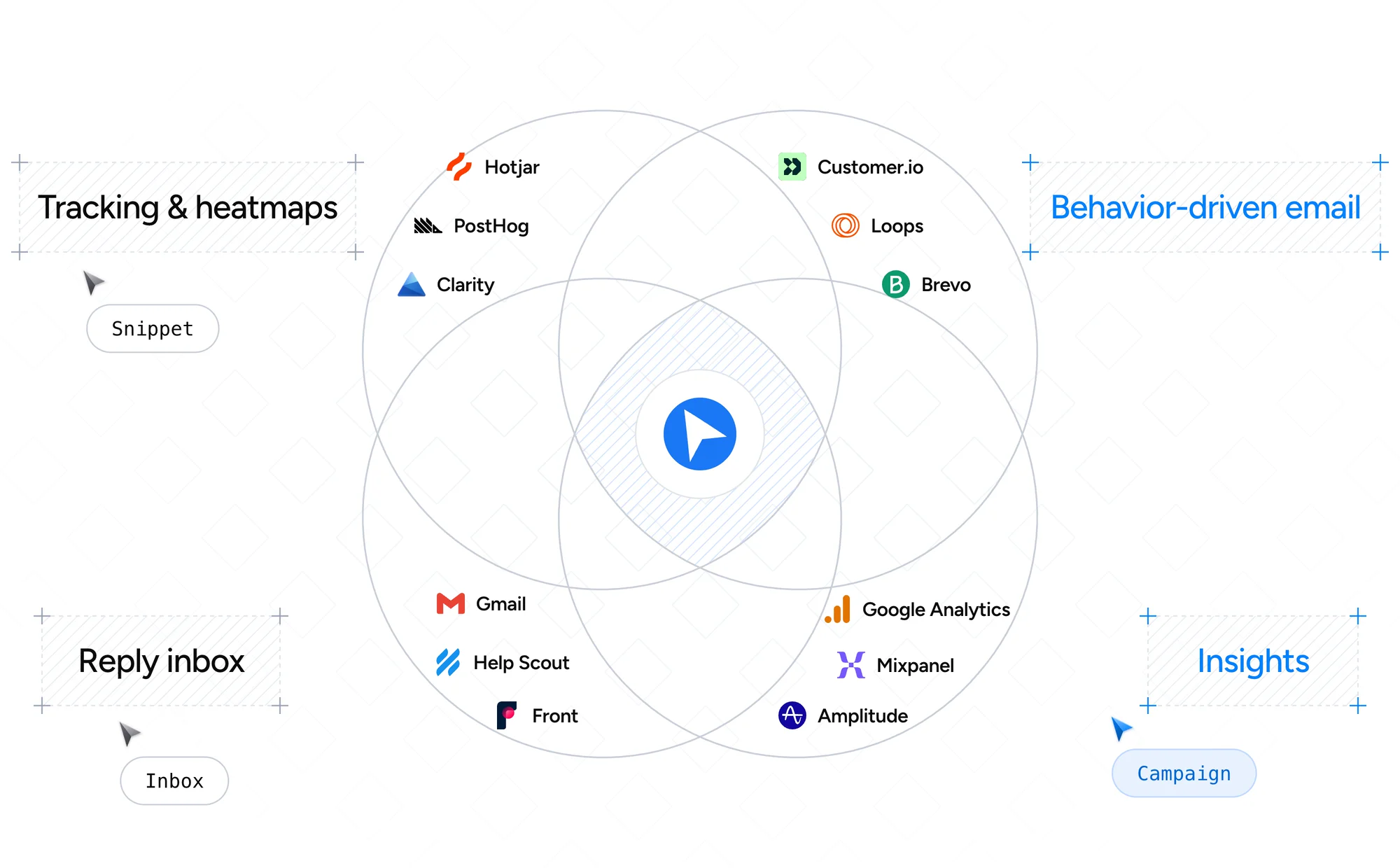
From the first click on your site to the reply in your inbox, every step happens in one product.
Tracking
Every action on your site, tied to a real user.
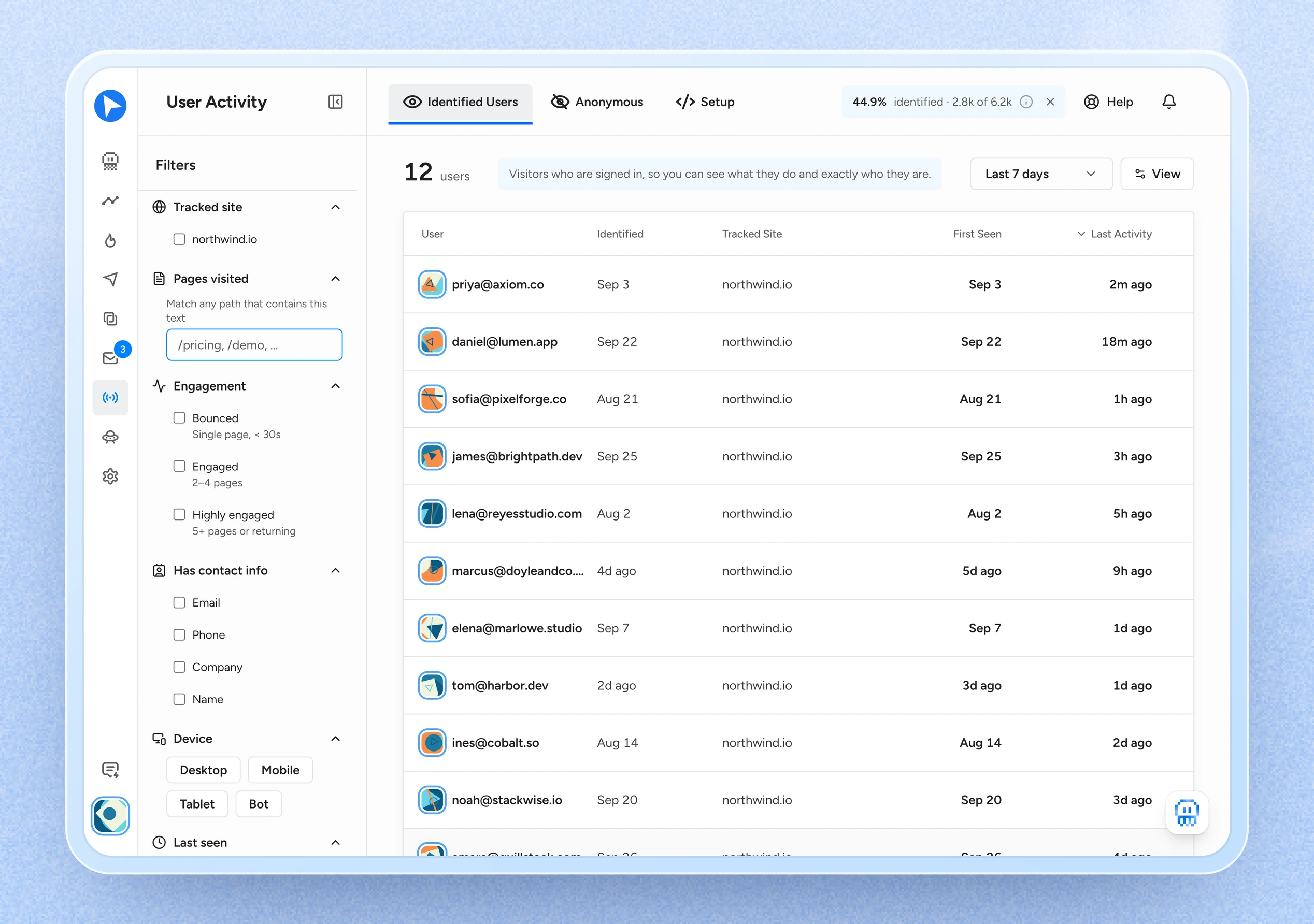
Add the snippet once. Signed-in users are recognized automatically, across devices, so you always know who to email. A heatmap on your own pages shows where they clicked, moved and stopped scrolling.
Patterns
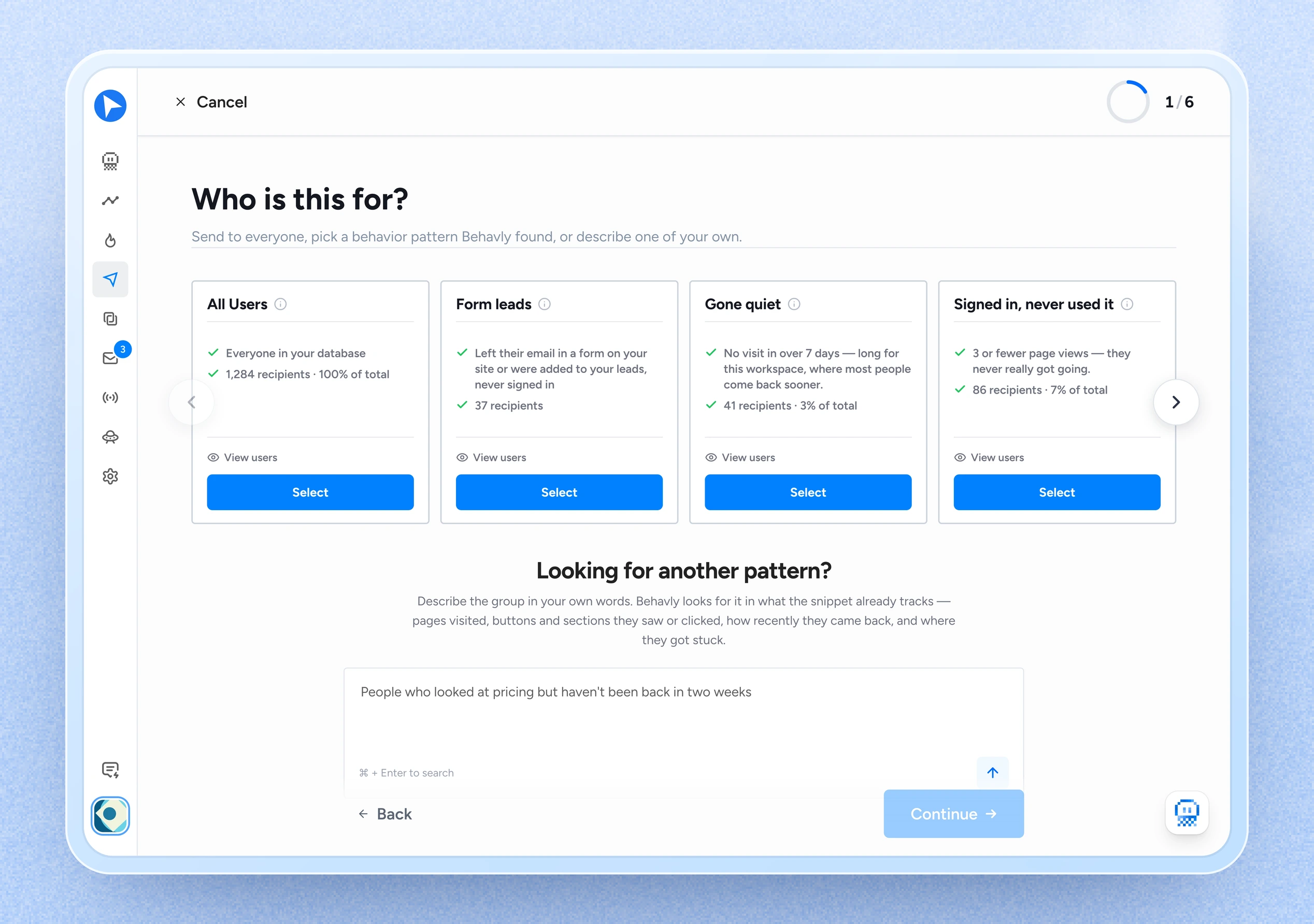
Pick a pattern. Everyone in it gets a personalized email.
Behavly finds the behavior patterns in your product: visited pricing then went quiet, hit friction on a page, never got going. Pick one, and each person gets an email written from their own activity, in their own language.
Agent
Describe the path. The agent runs it.
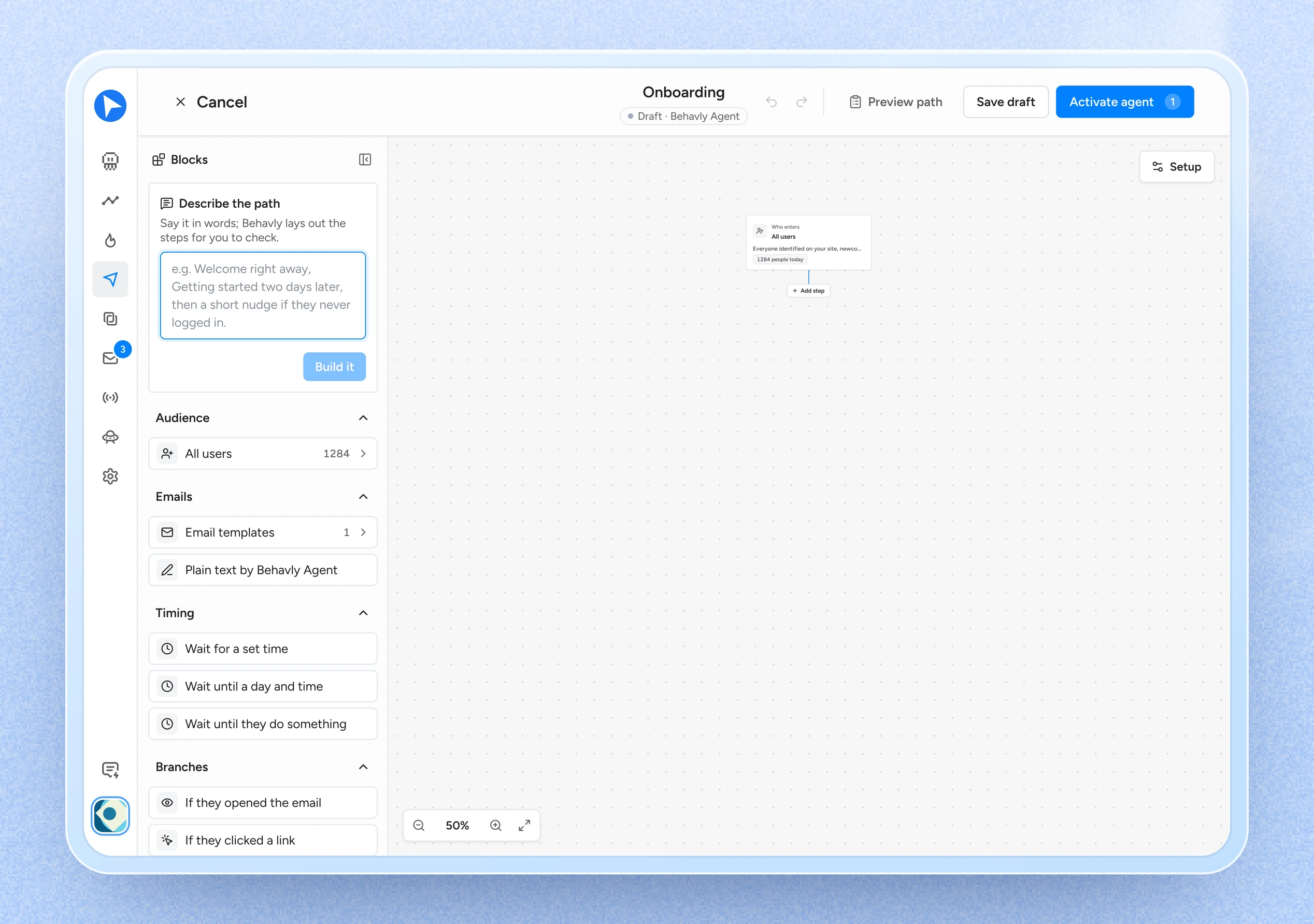
Say it in words: welcome now, getting started two days later, a nudge if they never log in. Behavly lays out the steps, enrolls new users as they are identified, and branches on what each person actually does. You see how many people reached every step.
Replies
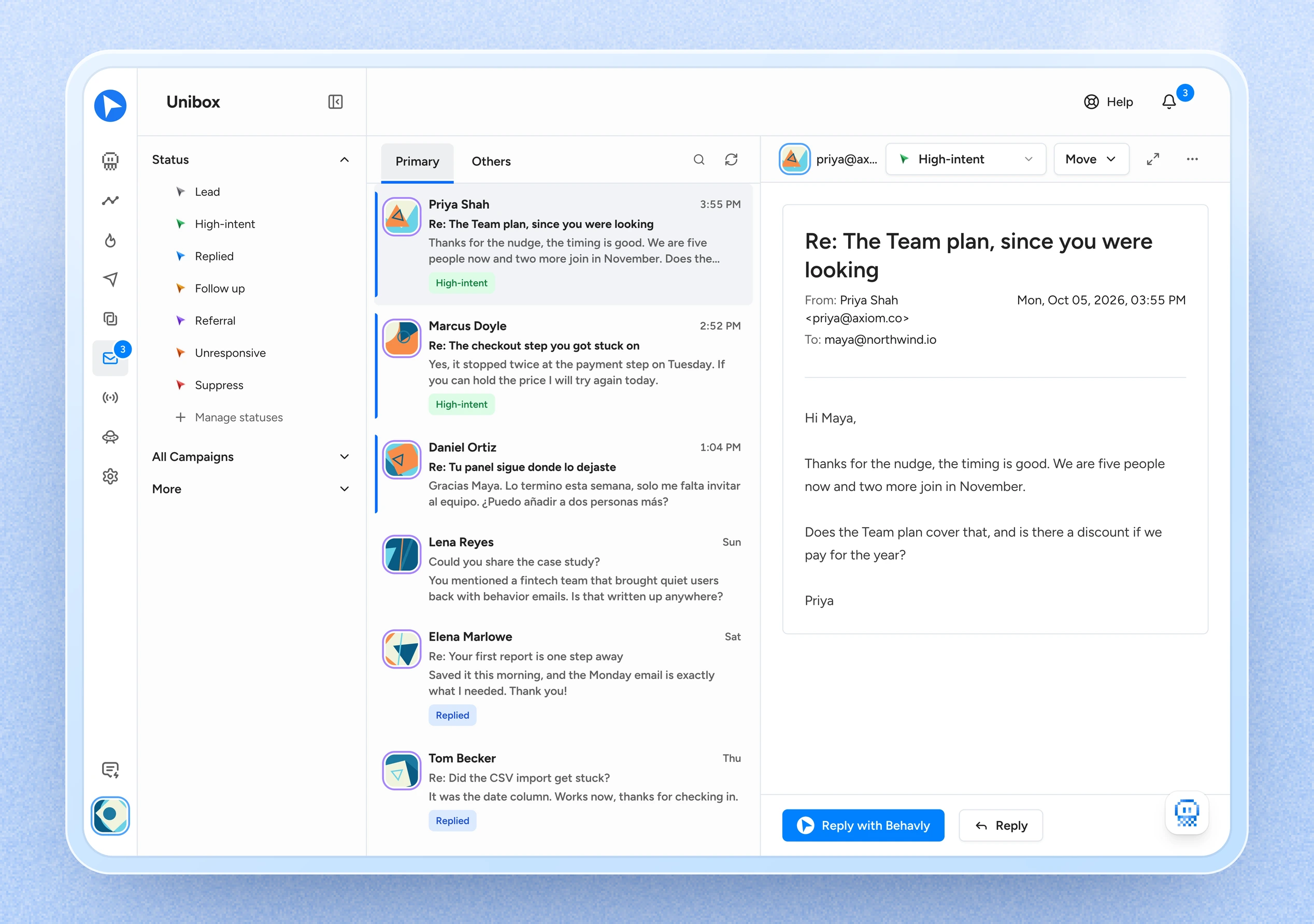
Each reply arrives with the sender’s history.
Connect your inbox once. Every reply arrives with that sender’s history on your site attached, so you already know what they have been doing before you answer. Reply yourself or have Behavly draft it.
Insights
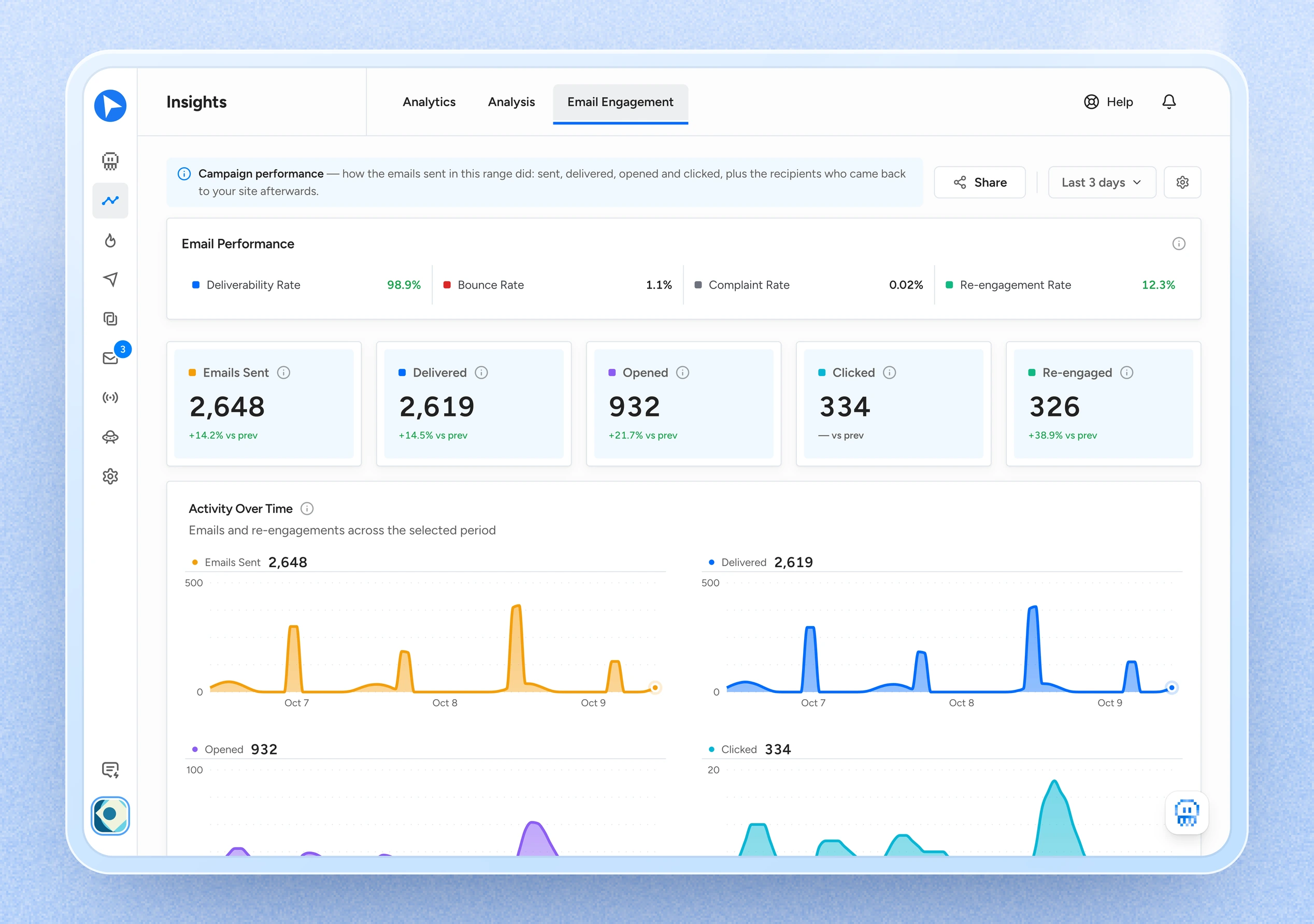
See who came back, and from which campaign.
See who re-engaged after an email and how fast, where your funnel loses people, and how each campaign performed.
Tracking, patterns, emails, replies and reporting, in one product. You add the snippet and choose what to send.
Tracking
One person, one profile, across devices
Add the snippet once. Signed-in users are recognized automatically, and visits from a laptop and a phone are merged under the same email.
Heatmaps
See where they clicked, moved and stopped scrolling
A heatmap on your own pages shows where people clicked, how far down they scrolled and where they got stuck.
Patterns
Ask for a pattern in plain language
Describe the group you want in a sentence. Behavly turns it into an audience and shows you who matches before anything is sent.
Agent
A path that keeps running for every new user
Say the path in words and Behavly lays out the steps. New users enter as they are identified, and it waits and branches on what each person does until you pause it.
Design
Emails designed from your brand
Behavly designs whole emails and templates from your brand: your logo, your colors, your images. Every block stays editable.
Control
You approve every email before it goes out
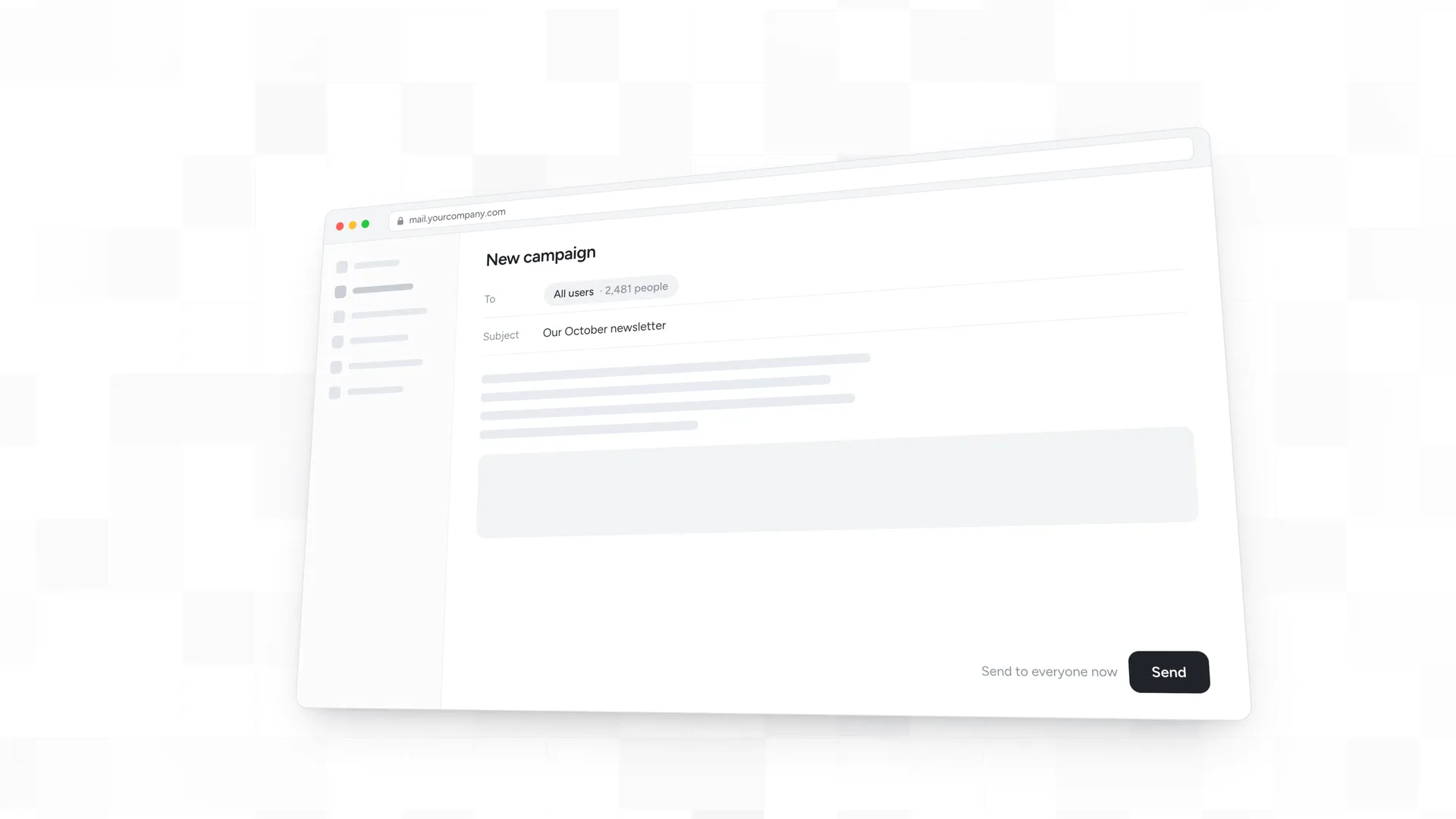
Approval is on by default: every generated email waits for your review, and the campaign sends once you approve it. Turn approval off whenever you prefer.
Replies
Behavly drafts the reply. You edit and send
Replies land in one inbox with the sender’s activity on your site alongside, and Behavly writes the answer from what it knows about that person.
Insights
See how each campaign performed
Follow your audience over time, and see who re-engaged after each campaign and how fast.
Languages
Every email in the reader’s language
Behavly can detect each person’s language and write their email in it, or you pick one from a list of 80.
Tracking
One person, one profile, across devices
Add the snippet once. Signed-in users are recognized automatically, and visits from a laptop and a phone are merged under the same email.
Heatmaps
See where they clicked, moved and stopped scrolling
A heatmap on your own pages shows where people clicked, how far down they scrolled and where they got stuck.
Patterns
Ask for a pattern in plain language
Describe the group you want in a sentence. Behavly turns it into an audience and shows you who matches before anything is sent.
Agent
A path that keeps running for every new user
Say the path in words and Behavly lays out the steps. New users enter as they are identified, and it waits and branches on what each person does until you pause it.
Design
Emails designed from your brand
Behavly designs whole emails and templates from your brand: your logo, your colors, your images. Every block stays editable.
Control
You approve every email before it goes out
Approval is on by default: every generated email waits for your review, and the campaign sends once you approve it. Turn approval off whenever you prefer.
Replies
Behavly drafts the reply. You edit and send
Replies land in one inbox with the sender’s activity on your site alongside, and Behavly writes the answer from what it knows about that person.
Insights
See how each campaign performed
Follow your audience over time, and see who re-engaged after each campaign and how fast.
Languages
Every email in the reader’s language
Behavly can detect each person’s language and write their email in it, or you pick one from a list of 80.
Pricedbyaudiencesize,notperemail
Every plan sends through your own mailbox, so you never pay per email. Start free and move up when your audience grows.
Six things people ask before they sign up. For everything else, the Help Center has 48 articles on how each part of Behavly actually behaves.
01
How do I get started?
+
Three steps. Add the tracking snippet to your site, which is where all behavior data comes from. Connect a mailbox, which sends your campaigns and feeds the Inbox. Then build your first campaign in a guided builder that ends on a review screen. You approve the emails before they go out.
02
How does Behavly know who a visitor is?
+
The snippet detects a signed-in session on your site by itself. There is no identify call to add. Each identified user is listed once, as a person: visits from a laptop and a phone are merged under the same email. Visitors who are not signed in appear separately as anonymous sessions.
03
What is a Behavly Agent?
+
A campaign that keeps running. You choose who enters, such as all users or a behavior pattern, and describe or draw the path: emails, waits, and branches on what each person did, like opening the last email or logging in. Each person enters once, the moment they qualify, and by default leaves the path when they reply. Agents are included from the Starter plan.
04
Do I review emails before they send?
+
Yes. On a one-time campaign approval is on by default: every generated email waits for you, and the campaign stays in review until you approve it. A Behavly Agent has its own switch to hold the emails Behavly writes until you release them. In the Inbox, Behavly writes the draft and you send it.
05
Which email accounts can I connect?
+
Any mailbox that supports IMAP and SMTP: Gmail or iCloud with an app password, Titan, Zoho, Fastmail, your own domain’s mail host. You can connect several, and replies to your campaigns land in the Behavly Inbox with each sender’s activity on your site alongside.
06
How is my customers’ data handled, and can I limit what reaches AI?
+
You stay in control. AI can be turned off for your whole workspace, and when it is on you decide how customer data is treated before it is used and how long behavior data is kept. Visitor IP addresses are never stored. Every account, campaign and workspace action is recorded in an audit log you can export.
Letyourusers’behaviorwritethefollow-up.
Paste one snippet, connect a mailbox, and review your first AI-written follow-up.
Free to start · No credit card · Upgrade when you outgrow it