
Replies to your campaigns, polled from the mailbox you connected.
The Views
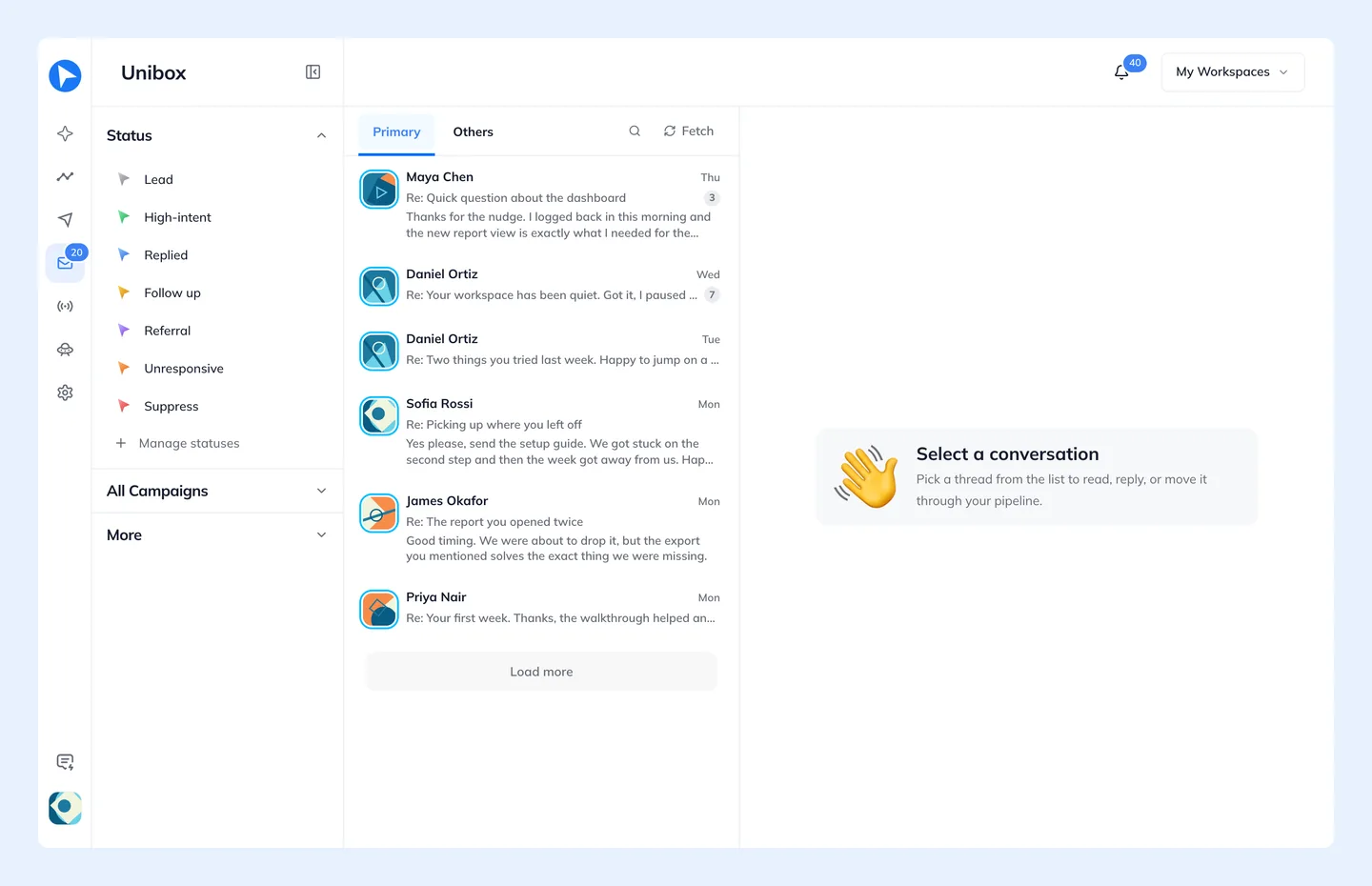
- Inbox
- Everything.
- Unread only
- What you have not opened.
- Reminders only
- Threads you flagged to come back to.
- Scheduled emails
- Messages queued to go out later.
- Sent
- What you have sent from here.
Threads split into Primary and Others, and can be filtered by lead status.
History Arrives With The Reply
Every reply comes with the sender's history on your site attached. You can see what they did before they wrote to you — which is usually the difference between a useful answer and a generic one.
Everything You Have Said To Each Other
History, at the top of a conversation, opens everything between your workspace and that person — across every thread and campaign, not just this one.
- At the top
- Where the conversation stands, when the last email was, how many emails went each way, when you were first in touch and how many were opened — and every Behavly Agent they are or were on, with where they stand on it.
- Summary
- A few sentences from Behavly on what the emails discuss, what they said and what is waiting on you. It is rewritten when a new email arrives, and does not appear when AI is turned off for the workspace.
- Activity
- Every email both ways and every step an Agent took for them, in order from the first contact to now, with where each email came from and whether it was opened. Click a recent email to read what it said.