
Campaigns → New Campaign starts by asking for a name and how the campaign runs. A one-time campaign then walks you through a series of steps and ends on a review screen. Nothing sends until you finish it.
One-Time Or Behavly Agent
- One-time campaign
- Sends once to the people you pick, right away or on a date you choose. Every step below belongs to this flow.
- Behavly-Agent campaign
- Keeps running and enrolls people as they qualify, then takes each one along a path you draw step by step. Continue opens the Agent builder with the name carried across. See Behavly Agent Campaigns.
Agent campaigns are on Starter and above. On Free the card shows Locked, and choosing it opens the upgrade dialog.
The Steps Of A One-Time Campaign
The flow is not a fixed length. Two steps appear only when they are meaningful for your workspace, and one is skipped depending on a choice you make.
| Step | When it appears |
|---|---|
| Website | Only when the workspace tracks more than one site. It leads, because which site a campaign draws from decides who is even in the audience. |
| Audience | Always. |
| Sender | Always. |
| Mailbox | Only when two or more mailboxes are connected. With one, there is nothing to choose. |
| Design | Always. |
| Language | Skipped when you choose to send your copy as-is — the words are already fixed, so a language choice could never be applied. |
| Schedule | Always. |
| Review | Always. |
So a single-site workspace with one mailbox that sends its own copy walks five steps; a multi-site workspace with three mailboxes letting Behavly write walks eight. The numbers in the step rail count *your* flow, which is why they may not match a screenshot or a colleague's screen.
Drafts
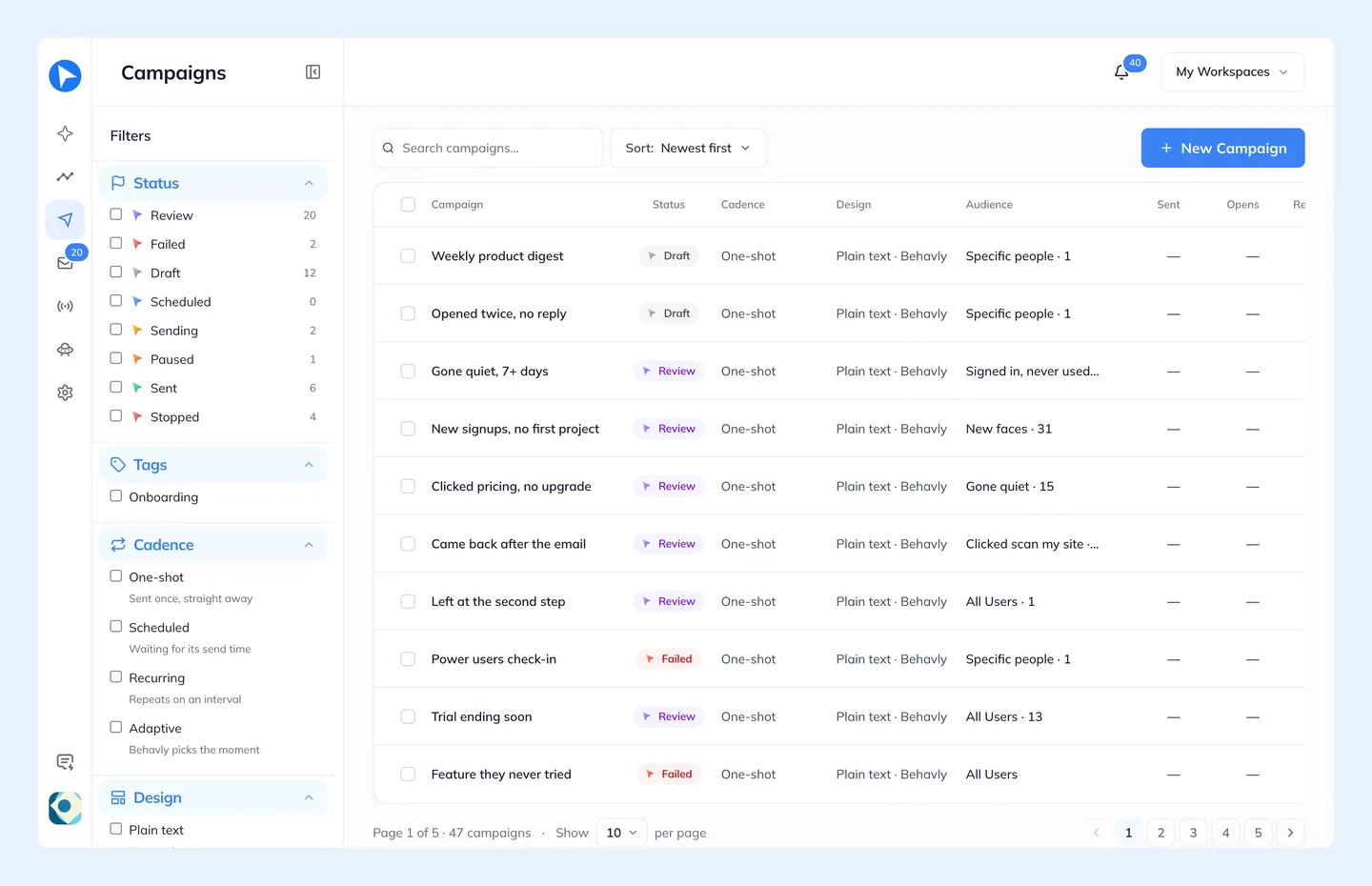
The flow saves as you go. Leaving and coming back restores what you had, including the audience you picked and the schedule you configured.